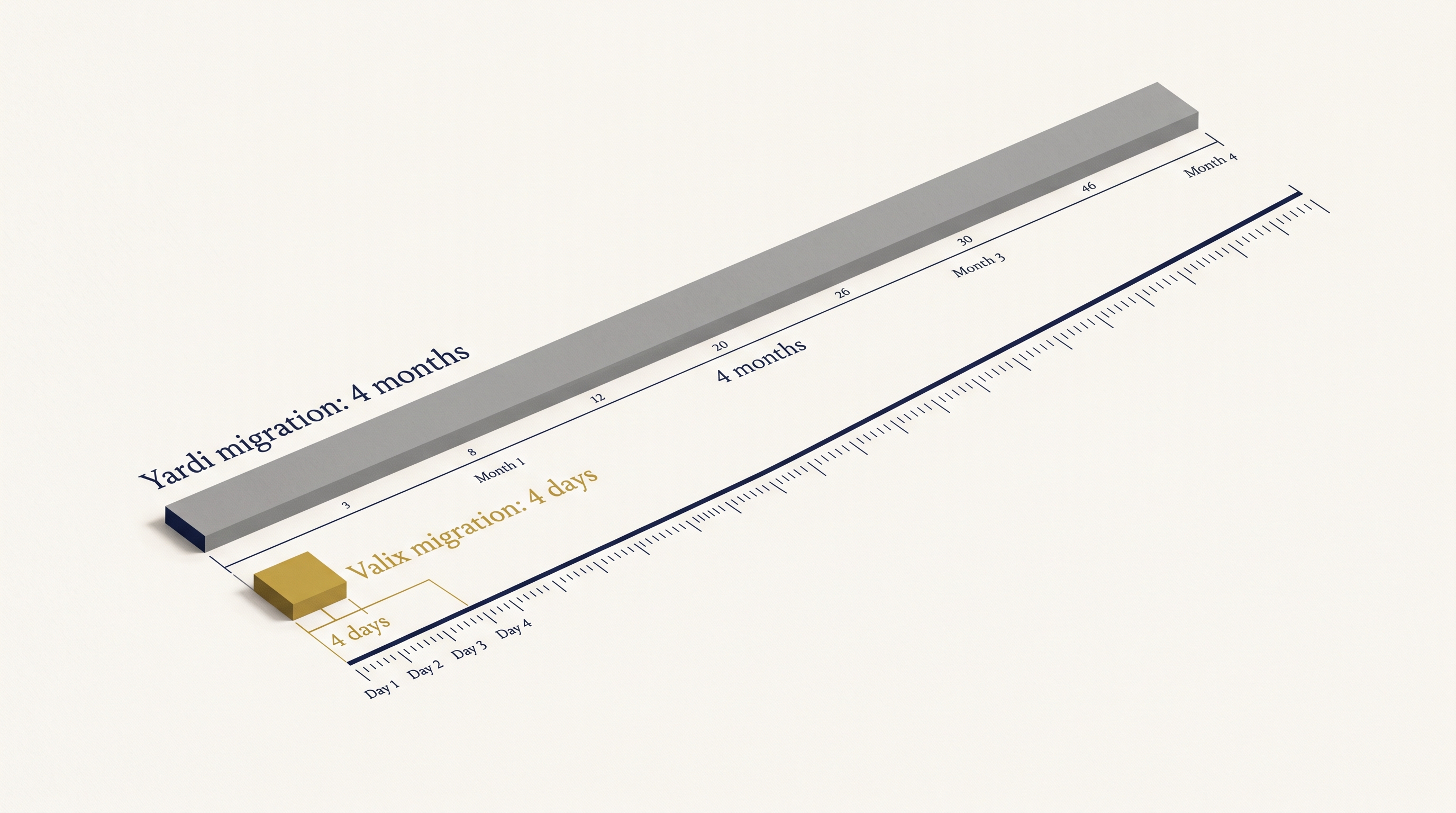
Migration without months.
Four days to live production. No six-month implementations, no six-figure contracts, no Yardi Voyager purgatory. Walk through the timeline, the data mapping, and the cutover moment so you can plan your move with eyes open.
The migration, day by day.
This is the actual playbook we run for every migration. Click through to see what happens on each day.
Day 0
Export from your legacy system
You export your data from Yardi, AppFolio, Buildium, DoorLoop, Entrata, or RealPage. Standard CSV or flat-file formats accepted — we've written extractors for every major export. No IT involvement; your controller can pull it.
Essentials
Three principles for a clean migration
A successful move depends on three things: accurate lease data, GL alignment, and clear ownership of each step. We handle the technical work. You own the business logic.
Lease data is your foundation
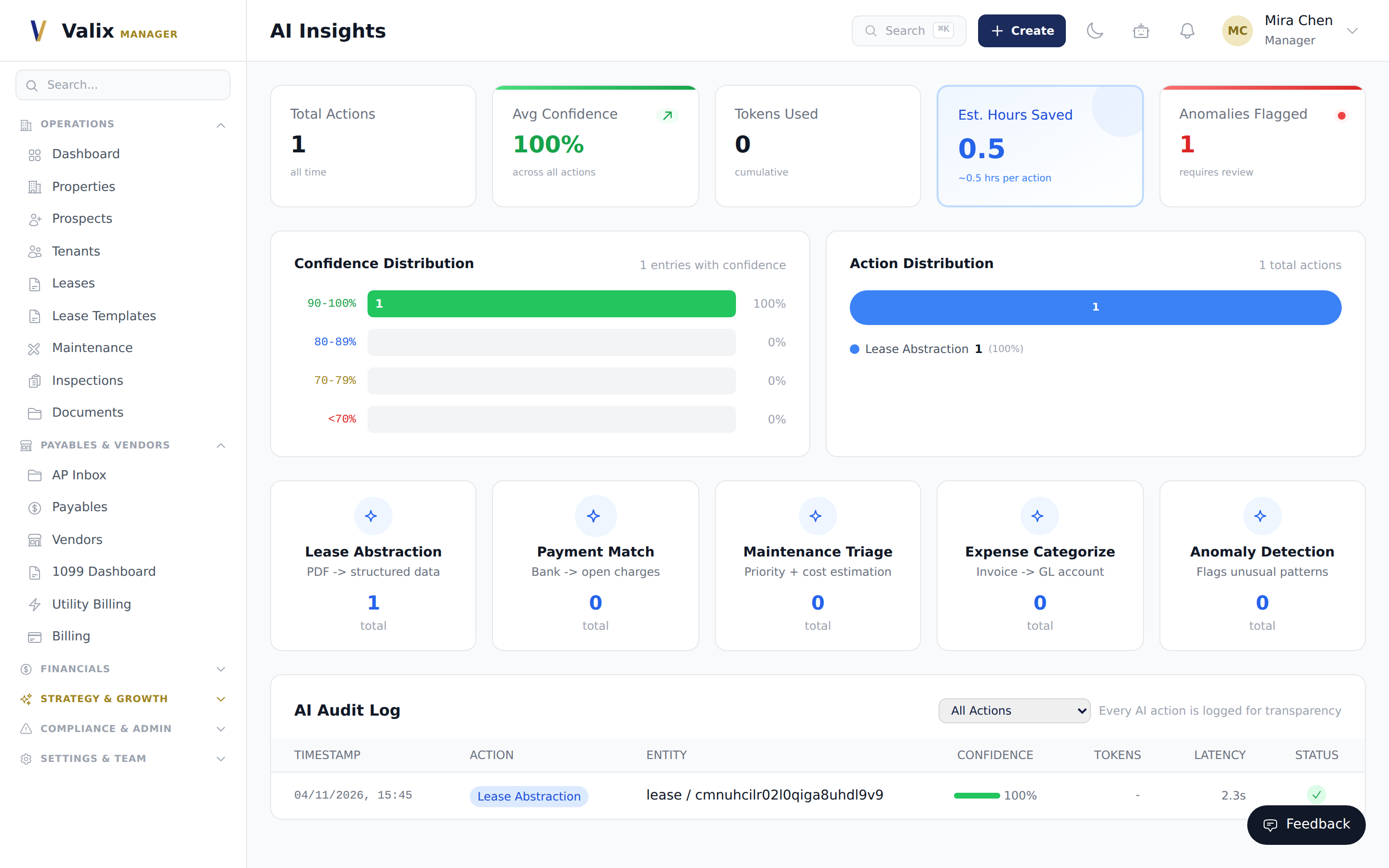
Rent escalations, CAM clauses, percentage-rent breakpoints, co-tenancy triggers — every one must land in Valix before cutover. The AI lease scanner picks up roughly 95% automatically and flags its confidence per field; your team reviews anything under 85%.
GL alignment is non-negotiable
Your legacy chart of accounts rarely maps one-to-one with Valix defaults. The GL mapper routes every legacy account to a Valix account, runs the mapping in dry-run first, and locks it for cutover so historical balances tie out to the cent.
Clear ownership of each step
Valix owns the technical work — exports, parsing, validation, posting. You own the business logic — which accounts roll up, which clauses to honor, which tenants to notify. A RACI worksheet names one owner per step. Nothing moves without that owner signing off.
1. Lease data
Every migration rises or falls on the quality of the lease data going in.
Rent escalations, CAM clauses, percentage rent breakpoints, co-tenancy triggers, and tax-escalation base years must all be captured before cutover. Our AI lease scanner extracts roughly 95% of these automatically and flags its confidence per field; your team reviews anything under 85%. Budget one review hour per ten leases for a commercial portfolio — less for residential.
2. GL alignment
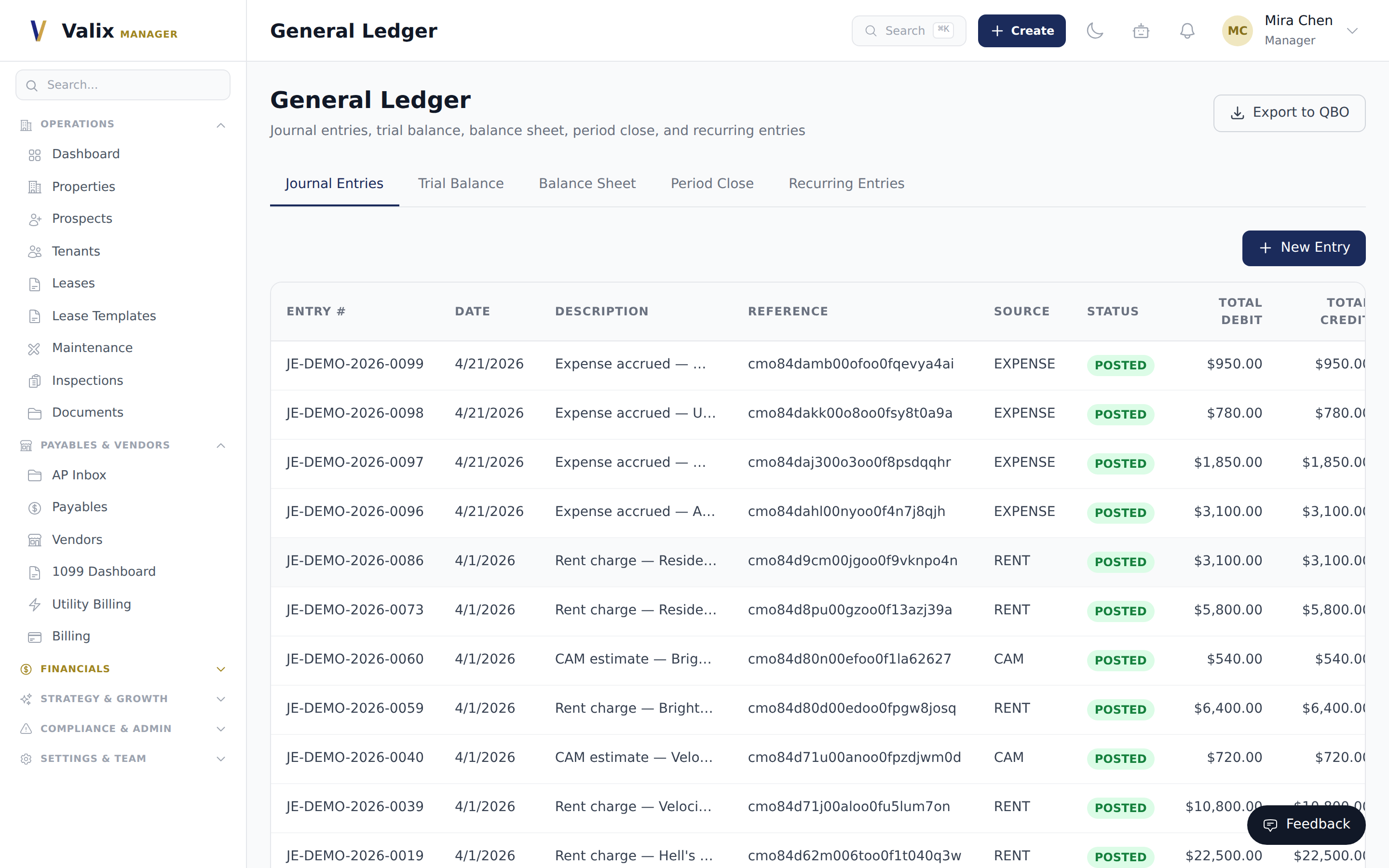
Your existing chart of accounts rarely maps one-to-one with the Valix default. Before any transactions post, a manager runs the GL mapper: every legacy account gets routed to a Valix account (or created as a new account if no match exists). The mapping is applied in a dry run first, then locked for cutover so the historical balances tie out exactly.
Expect roughly 20–40 accounts on a residential portfolio and 60–120 on a commercial one. The mapper flags any unmapped account; none of your leases go live until all are resolved.
3. Clear ownership of each step
Valix owns the technical work — exports, parsing, uploads, validation, posting. Your team owns the business logic — which accounts roll up, which clauses to honor, which tenants to notify. Before kickoff we publish a RACI-style worksheet naming one owner per step on each side. Nothing moves without that owner signing off.
4. Dry-run validation
Before the live cutover, we run the entire import against a sandbox copy of your database. The dry run exercises every rent charge, every CAM reconciliation, every percentage-rent calculation — and tells you whether the outputs match your trial-balance target. Typical dry run finds two to five edge cases (an anomalous escalation clause, a sub-leased unit, a co-tenancy waiver) that would have been silent errors on a Monday-morning cutover.
“The dry run caught a 2019 option-year amendment that our prior system had silently dropped. Finding it on a Wednesday instead of in the January 2 trial balance saved us a week of reconciliation.”
5. Cutover day
Cutover itself is anticlimactic by design. The mapping is already applied, the dry run has already balanced, and the bank feeds are already wired. Cutover is: (1) freeze writes on the legacy system, (2) pull one final delta export, (3) apply it into Valix, (4) run the same validation suite the dry run ran, (5) unfreeze. Most teams cutover Friday after-hours and are fully operational by Monday morning.
6. Rollback & safety net
For 14 days after cutover your legacy system stays up in read-only mode — a parallel tape. If Valix ever returns a number your team can’t reconcile against the legacy tape, we run a targeted rollback of just that entity and re-import from source. No all-or-nothing flips. No weeks-long finger-pointing about which system has the “real” number.
By day three the parallel-run report showed us we were a penny off on one AR entry. One penny. That's the level of fidelity most migrations don't even attempt.
Daniella Pezzotta
CFO, Crescent Capital
Before you migrate.
Everything you need to know before your 4-day cutover. Ask your migration architect anything else on the assessment call.
How long does migration take?
Four business days from data export to live production. Your team works in parallel on lease scanning and GL reconciliation while our engineers handle the mapping. No downtime — your legacy system runs for 14 days as a safety net.
What data comes across?
Chart of accounts, tenants, leases, units, owners, vendors, and 24 months of transaction history. Rent rolls, security deposits, and outstanding AR all migrate intact. Custom fields map one-to-one.
Do we need IT involvement?
No. You export your data from Yardi, AppFolio, Buildium, DoorLoop, or RealPage as a CSV or flat file. We handle the rest. Your IT team never touches it.
What about our historical GL?
We import 24 months by default. Older periods stay in your legacy system for audit trail, and you can reference them anytime. Enterprise customers can import the full history.
Can we test before going live?
Yes. We run a full sandbox migration on day 3. You validate rent rolls, GL balances, and tenant data. Once you sign off, we flip the switch on day 4.
What's the rollback plan?
Your legacy system stays active for 14 days post-cutover. If anything reconciles wrong, we resolve it in Valix (not by rolling back). In 200+ migrations, we've never needed a rollback — but the option exists as a safety net.